Add or update a student
Register a student and the family file behind the student, without creating an application.
Open Education → Education Applications → Add/Update Student to register a new student or update an existing one. No aid application is created on this screen; it only saves the student and the family data.
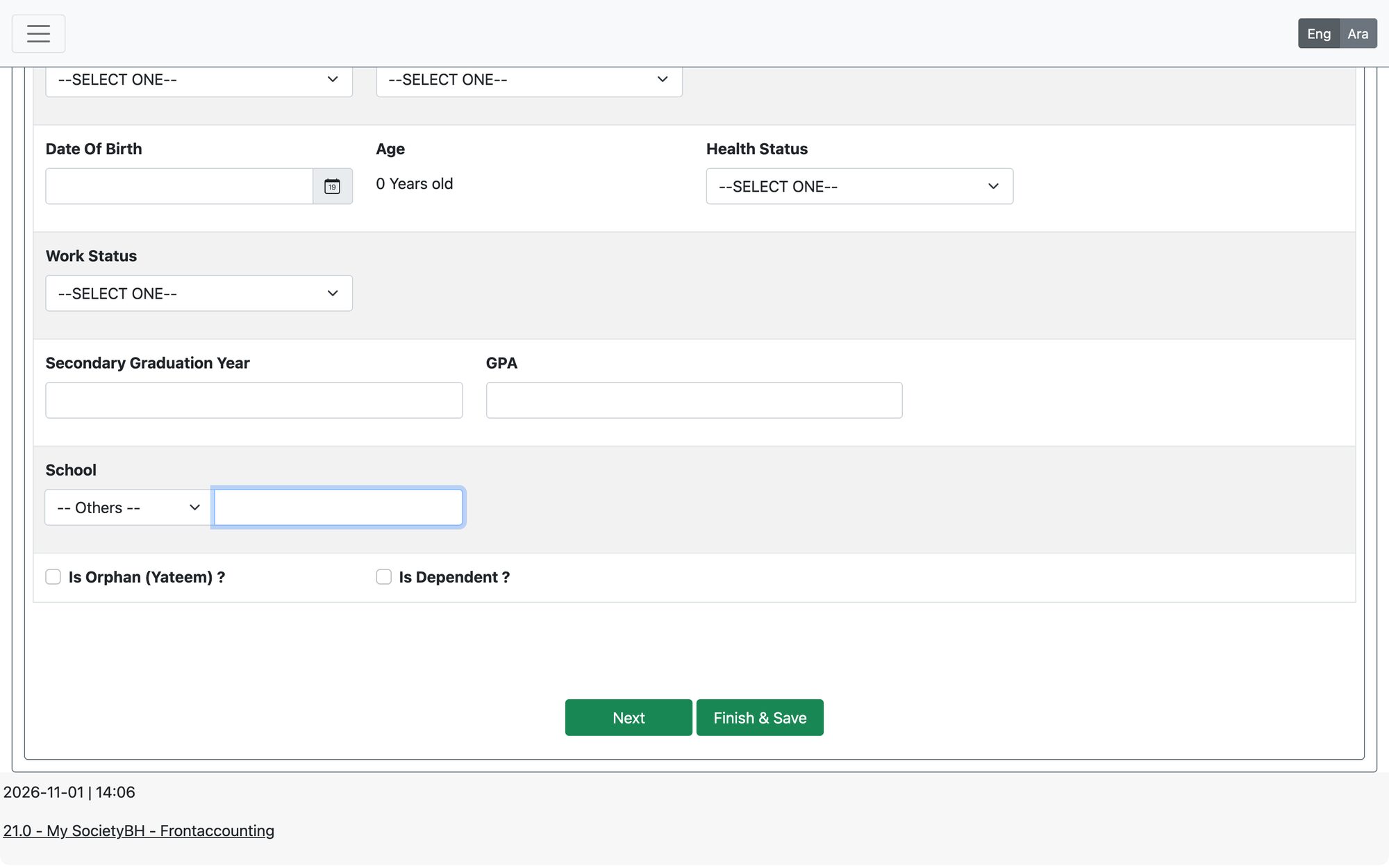
Steps
- Enter the Student CPR Number (exactly 9 digits) and the Responsible CPR Number of the family head. When you leave the field, the system loads the saved data if the student is registered.
- If the student is new, the system shows “The student is not registered before. New student will be added!”.
- If the student’s CPR is the same as the responsible person’s CPR, you get a warning that the CPR already exists as a responsible person.
- Complete the Student Info tab: first and last name (required), contact number, sex, marital status, date of birth, health status, education level, school or university, education path and university number where relevant.
- Fill the other tabs as needed (see the table below), then press Finish & Save.
Tabs
| Tab | What it holds |
|---|---|
| Student Info | Personal, health and education details of the student |
| Responsible Info | Details of the head of the student’s family |
| Student Family Members | The family members; the system recalculates the per-capita income when you add, change or delete a member |
| Authorized to Get Subsidy | Who receives the aid, with bank details |
| Living Place Info | Address, devices, furniture and properties |
| Income Statement / Loan Statement / Commitment Statement | Income, loans and commitments of the family |
| Student Family Documents / Family Notes | Family documents and the researcher’s notes |
| Student App’s History | Shown for a registered student: all education applications of this student |
A student cannot be added to a family if the same CPR is already a member of another family. The system reports it when you enter the CPR.
Updated: