Global Family Search and Cross Check Members
Find out whether a person or family is known to the connected societies, and cross check your own members in bulk.
Both tools are under Trusted Societies Network → Inquiries and Logs and only query societies you are connected to.
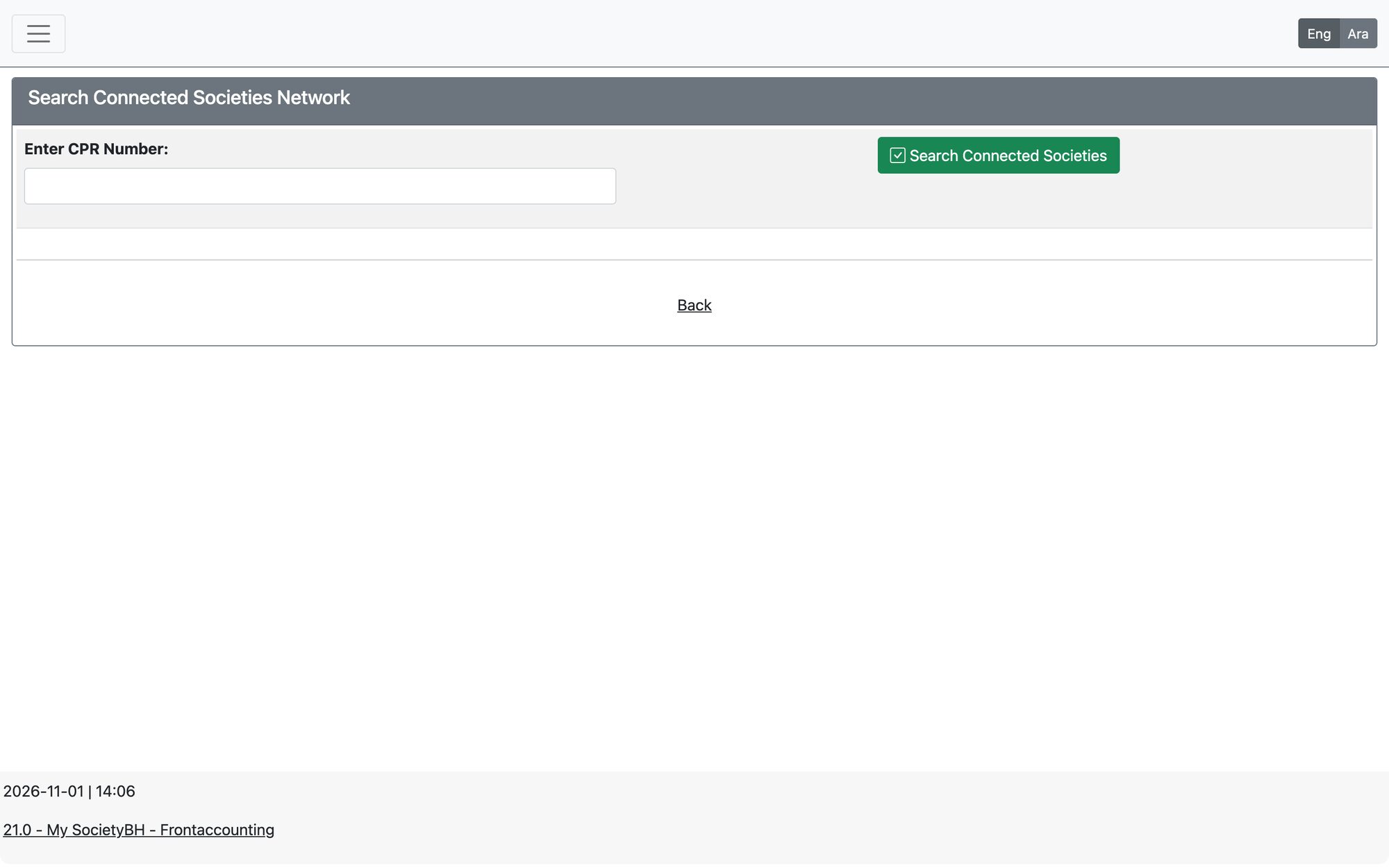
Global Family Search
Open Trusted Societies Network → Inquiries and Logs → Global Family Search.
- Under Individual Search enter the CPR and press Search Connected Societies.
- The page checks the whole family of that person in each connected society and shows, per society, whether the person was Found or Not Found.
- For each match you see the family ID, family size and income, and — depending on the access level the other society allows — whether the family received aid in the past year and the amount.
The same check is available from the family file with the button Check Society Network (needs that permission).
Cross Check Members
Open Trusted Societies Network → Inquiries and Logs → Cross Check Members to check your own members against all connected societies.
- Choose the Check Type: All Active Members or Heads of Families Only (the scope of the check).
- Press Start Cross-Check. The page processes your records in batches and shows its progress.
- Read the results: each local record shows its local status and the societies where it was Found. Tick Show only matching records to hide the rest.
If a connected society’s access limit is exceeded, the check stops with the message “Access limit to connected society exceeded”. Wait and try again, or ask that society to raise the limit.
Updated: