Configure education application types, universities and specializations
Set up the application types and the lists used on education applications.
These screens are normally used by the system administrator.
Education Application Configuration
Open Education → Education Configuration → Education Appilcation Configuration. It has three tabs.
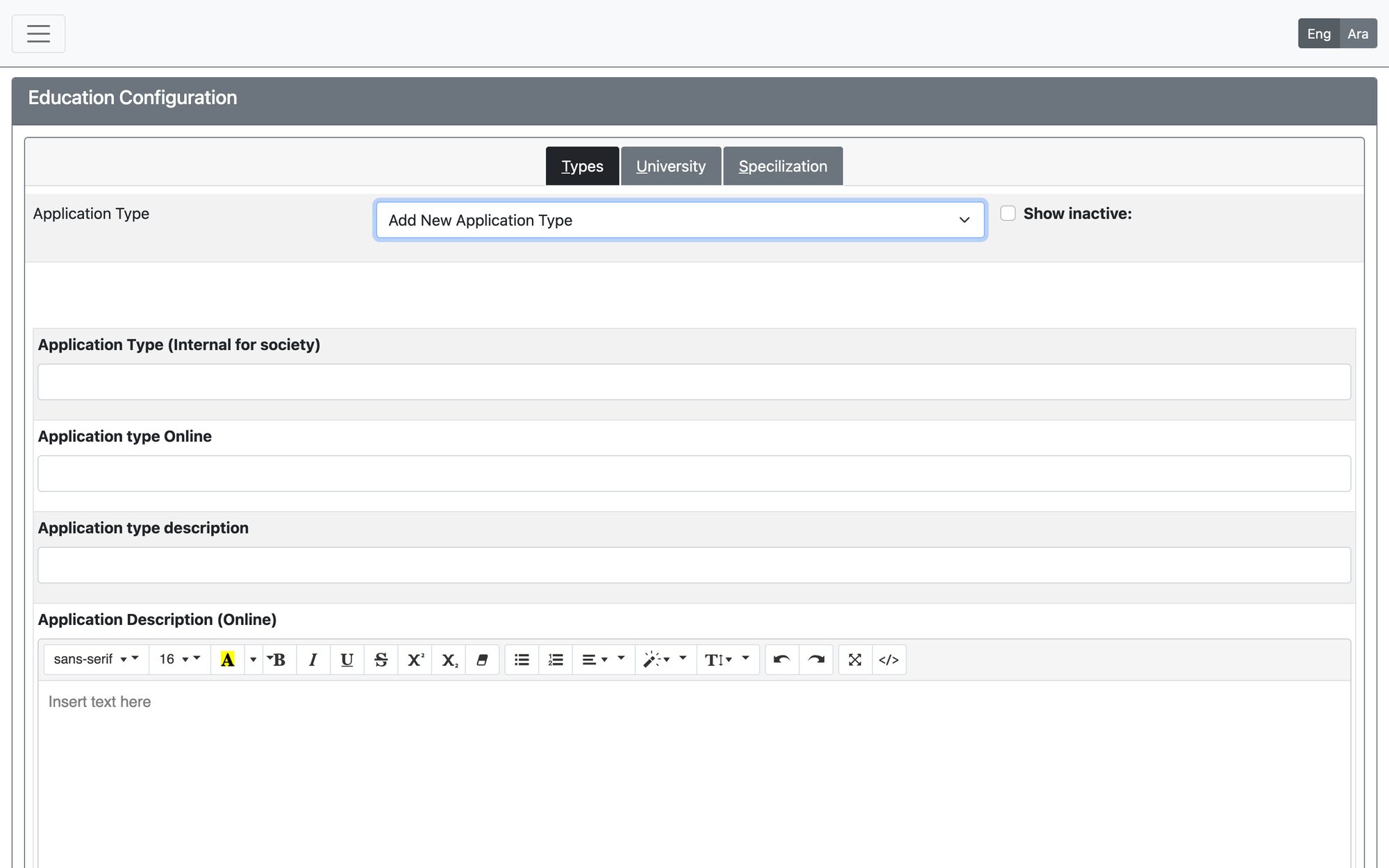
Types tab
Choose an existing Application Type (or leave it empty to add a new one) and fill:
| Setting | Meaning |
|---|---|
| Application Type (Internal for society) / Application type Online | The names staff see and the name shown on the online services |
| Family registration required ? | The family must be registered and classified first |
| Education Application Option | Remedial Lessons, University Education, Training / Workshops, or Others. This decides the requested items tab on the application |
| Payment frequency / Calculation method | How often the aid is paid and how its amount is calculated |
| Minimum / Maximum amount of aid, Yearly budget | Amount limits; enter 0 if a limit is not needed. The monthly budget is the yearly budget divided by 12 |
| Affect GL (Write GL Transaction in Aid Payment) | Whether paying this aid posts to the general ledger, with a default GL account |
| Documents required | The documents to upload with the application |
| Current status | Active or inactive |
Press Insert New Application Type for a new type, or Save Application Type for an existing one. After saving a new type, define its steps in the Workflow tab.
University and Specilization tabs
Keep the lists of educational institutions and specializations (education paths) used in the student info. Add or edit an entry and press Add/Update University or Add/Update Specialization.
Education places and grades
Under Common Settings → Common Settings → Education Places Settings and Common Settings → Common Settings → Education Grades Settings you add or modify the education places and the grades. Each screen also has a migration tab to move records from one entry to another.
Updated: