Trust audit log and preventing a family from being shared
Review who accessed what, and exclude a family from sharing with other societies.
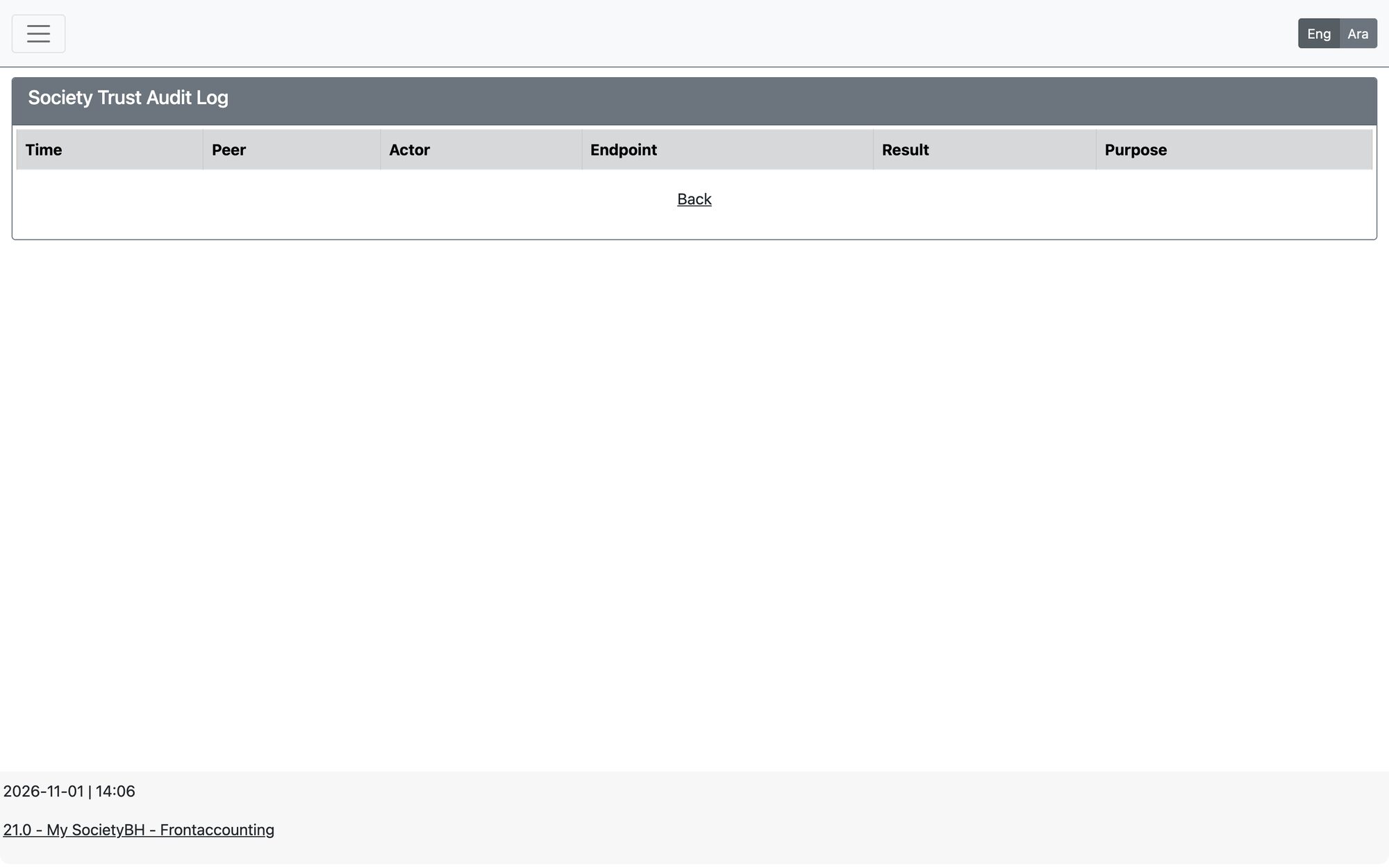
Open Trusted Societies Network → Inquiries and Logs → Trust Audit Log to see the record of network activity: the time, the society (peer), the actor, the type of request, its purpose and its result. Use it to check which society accessed your data and when.
Prevent sharing a family
To keep one family out of the network, open the family file in Social Research → Aid Applications → Add/Update Family and tick Prevent Sending Family Information to Other Societies (it appears next to the verifier decision), then save.
- Use it for families whose information must stay inside your society.
- Untick it and save to allow sharing again.
- Whatever your connections’ access levels, you can always lower an access level, block a society, or delete the connection in Manage Trust Relations.
Updated: