Membership applications and member information
Submit a membership application, verify it, and update an existing member’s details.
The society keeps its members through three screens under Membership & General Assembly → MemberShips: submit a new application, verify it, and update an existing member.
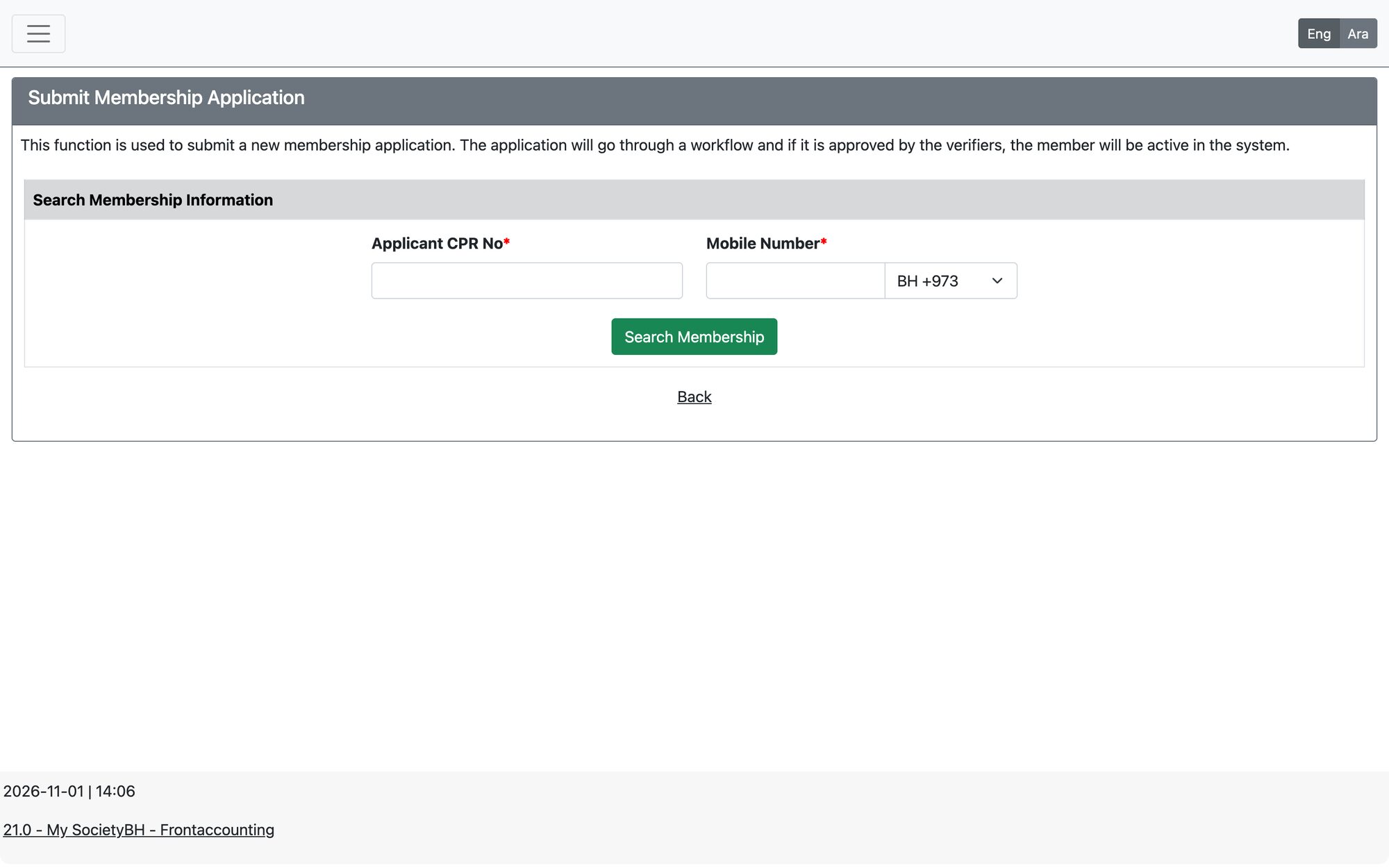
Submit a membership application
Open Membership & General Assembly → MemberShips → Submit Membership Application.
- Enter the applicant’s CPR and search. If the person is already a member, the system tells you “Member already exists in the system and no need to submit an application again for him.”
- If the person is not registered, the form opens for a new applicant. Fill the personal data: names, date of birth, nationality, contact numbers, email, address (building, road, block, area), work status, bank and IBAN, and the personal photo (jpg or png).
- Choose the Membership Type and the last year the applicant paid. The last year of payment must be 4 digits (for example 2018) and is used to generate the unpaid fees.
- Choose the committees the applicant wants to join, if any, and attach the required documents.
- Write the Application Submit Notes (required) and press Submit New Membership Application.
Verify a membership application
Open Membership & General Assembly → MemberShips → Verify Membership Application. Search by application ID, member ID, CPR, name or status, then open the application.
- Review the data and documents, change what needs correcting, and choose the Verifier Decision — the available decisions come from the membership application workflow.
- Write the Verifier Comments (required) and press Update Membership Application status and Information.
- Tick Skip communication Message if the member should not receive the automatic message for this step.
- Applications sent online by the public appear here as well, with the same workflow.
Update member information
Open Membership & General Assembly → MemberShips → Update Member Information, search for the member and edit the file, then press Update. The screen also lets you view the member’s membership type history.
Rules the system checks
- CPR and mobile numbers must match the digit lengths set for the society.
- First, second and last name, contact number, email, membership type and the full address (building, road, block, area) are required.
- The member’s age must meet the minimum age set for the chosen membership type.
- A new application cannot be submitted until the membership application workflow is defined in the Workflow module; otherwise the system shows a message asking you to set it first.
If a recommendation system is enabled in the membership settings, the application also involves recommending members (the number is set there).
Updated: