Communication system settings
Switch channels on or off, set sending limits and connect the society’s WhatsApp number through Meta.
Open Communication → Communication Maintenance → Communication System Settings.
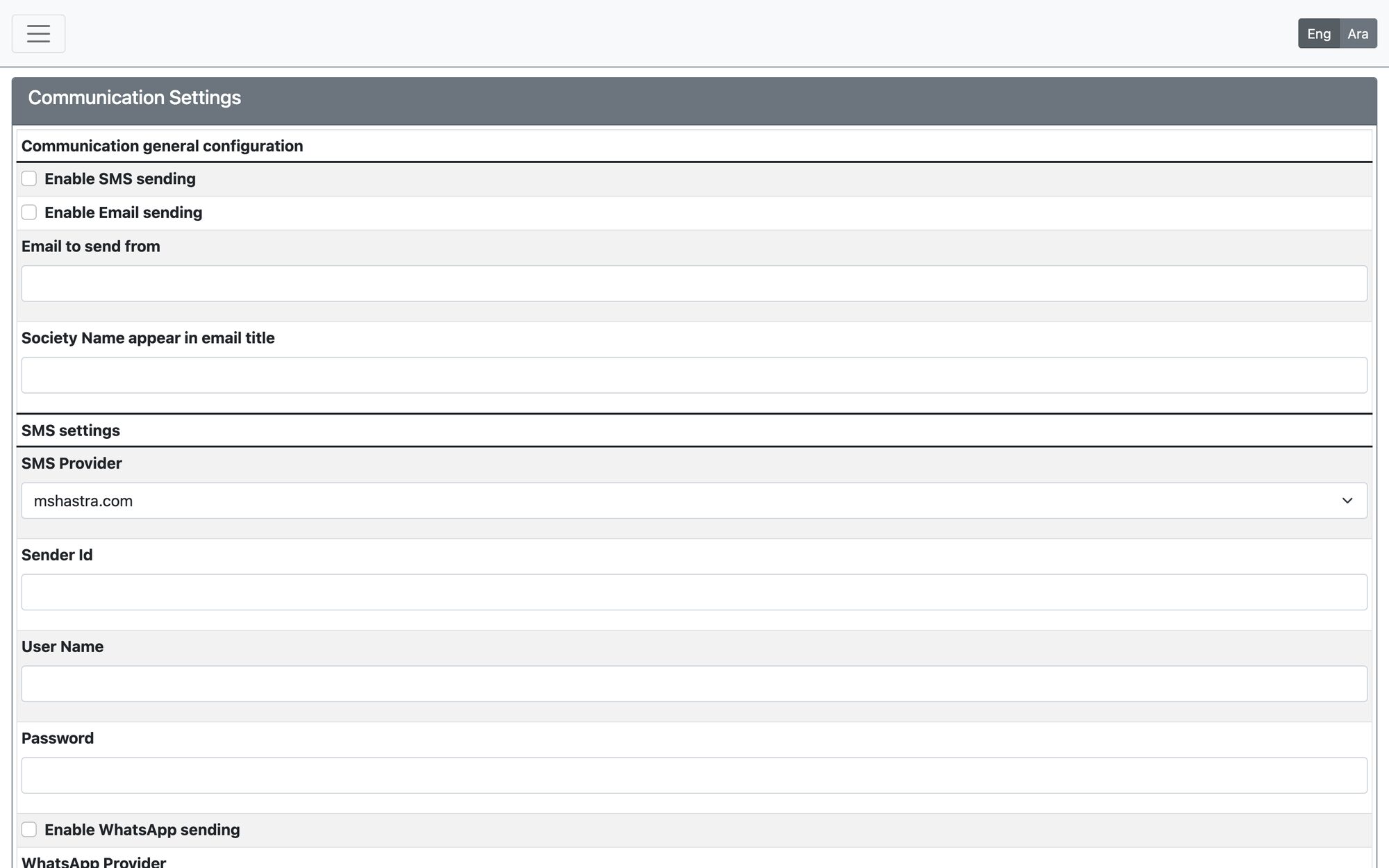
What you can set
| Section | What it controls |
|---|---|
| Communication general configuration | Enable SMS sending, Enable Email sending and Enable WhatsApp sending, the email address messages are sent from, and the society name shown in email titles. The SMS provider details are entered here too. |
| WhatsApp Campaign Settings | Activate campaigns and Stop campaigns (a single switch that pauses every campaign), the maximum messages per hour, recipients per scheduler run, the pause between sends, and the retry attempts and delay for temporary failures. Keep the hourly ceiling moderate — sending in bursts can get the WhatsApp number restricted. |
| Meta WhatsApp status | The connection status of your WhatsApp number, with Check Connection and Open connection management. Use it to connect your society’s number through Meta, review the connection, or replace it. A replacement takes over only after you explicitly switch to it. |
| WhatsApp template limit | Shows how many templates are in use against Meta’s limit; sharing approved templates reduces usage. |
The WhatsApp provider is chosen by the service operator, not on this screen. When the official Meta service is not active, campaign settings are read-only and nothing is sent. Message charges are set and billed by Meta to your society’s Meta business account.
Campaigns can only be activated after the WhatsApp templates have been checked for the connected account — use Check WhatsApp templates first.
Updated: