WhatsApp campaigns
Send a one-off WhatsApp message to a chosen group using the four-step campaign wizard.
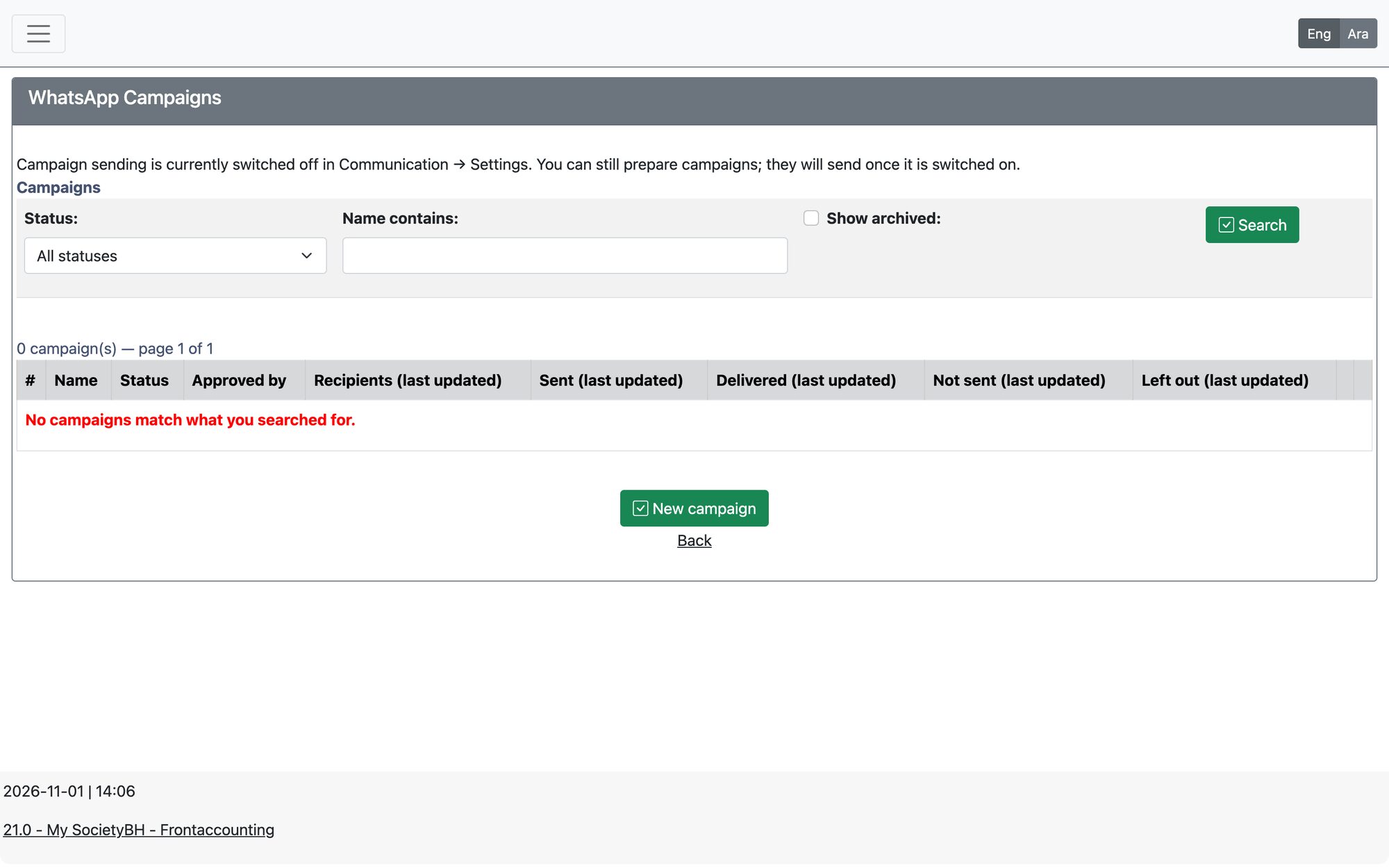
Open Communication → Communication Configuration → WhatsApp Campaigns and press New campaign. A campaign sends one approved WhatsApp message to a group of people, once.
The four steps
| Step | What you do |
|---|---|
| 1. Message | Name the campaign, choose Use an approved message or Write a new message, and pick its type (service update or announcement). A message can only be sent once WhatsApp has approved it, and it cannot start or end with a variable. |
| 2. Recipients | Choose who receives it: members, families (head of household), everyone who has donated, people who applied for social or education aid, or a list of numbers you paste. Then press Check recipients — invalid, duplicate and unsubscribed numbers are left out automatically and you see how many will receive it and why others were left out. |
| 3. Fill in the blanks | If the message has blanks that are not filled in automatically (such as an amount, due date or link), enter their values. Recipients with a missing value are skipped. |
| 4. Check and send | Review the message exactly as people will receive it, then Approve for sending. |
Sending and statuses
After approval choose Send now or Send later (a date and a time on a 24-hour clock). Under Advanced settings you can set the messages per batch and the seconds between messages; leave them blank to use the system setting.
| Status | Meaning |
|---|---|
| Draft | Being prepared and not yet approved. |
| Ready | Approved, waiting to be sent. |
| Scheduled | Will start by itself at the chosen time. Withdraw schedule returns it to Ready. |
| Running | Messages are being sent. |
| Paused | Stopped with Pause sending (or automatically if the template can no longer be sent). Resume sending continues. |
| Completed / Cancelled | Finished. They cannot be restarted; finished campaigns can be archived. |
Good to know
- Checking the recipients again, or editing an approved campaign (Reopen for editing), withdraws the approval and it must be approved again.
- Starting, pausing and cancelling need the permission Start/Stop WhatsApp Campaigns.
- If campaign sending is switched off in Communication System Settings, you can still prepare campaigns; they send once it is switched on.
- Messages handed to WhatsApp with no answer for 30 minutes appear under stuck messages for an administrator to check.
Updated: