Submit an aid application
Create a new aid application for a registered family.
Open Social Research → Aid Applications → Submit Aid Application.
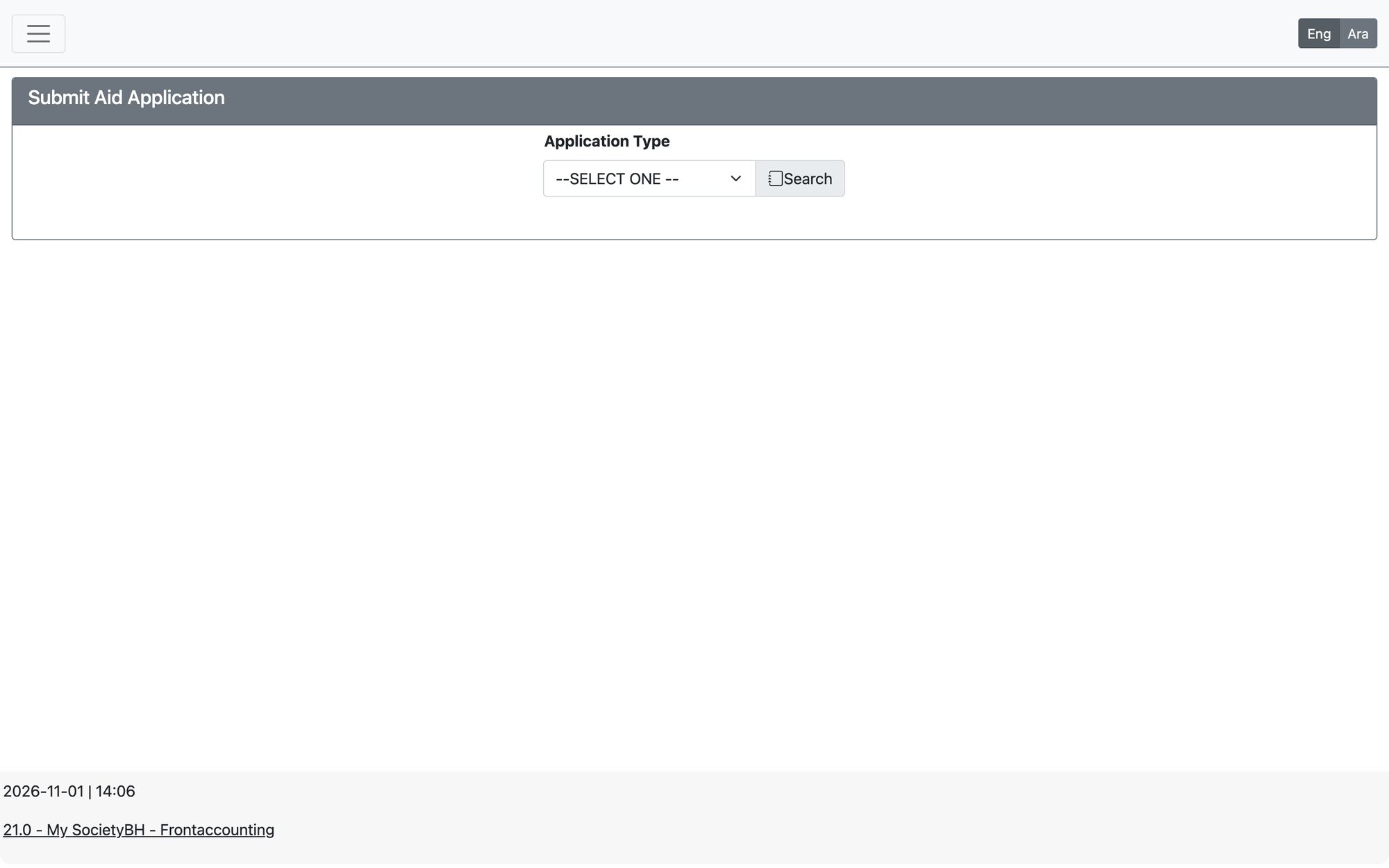
- Enter the family’s CPR and choose the application type (form).
- Review the family tabs and add anything missing.
- Upload the required Application Documents.
- Press Finish & Save. The application enters the first step of its workflow.
Why an application may be refused
- The family already has an Active or In-Progress application of the same type.
- The form requires the family to be registered and classified first.
- The family file has expired — update it before applying.
- Required family or application documents are missing.
- The family opted out of this aid type.
Updated: