Verify and approve aid applications
Review applications at your workflow step, decide and set the amount.
Open Social Research → Aid Applications → Verify Aid Applications. Use View Aid Applications to see applications without changing them.
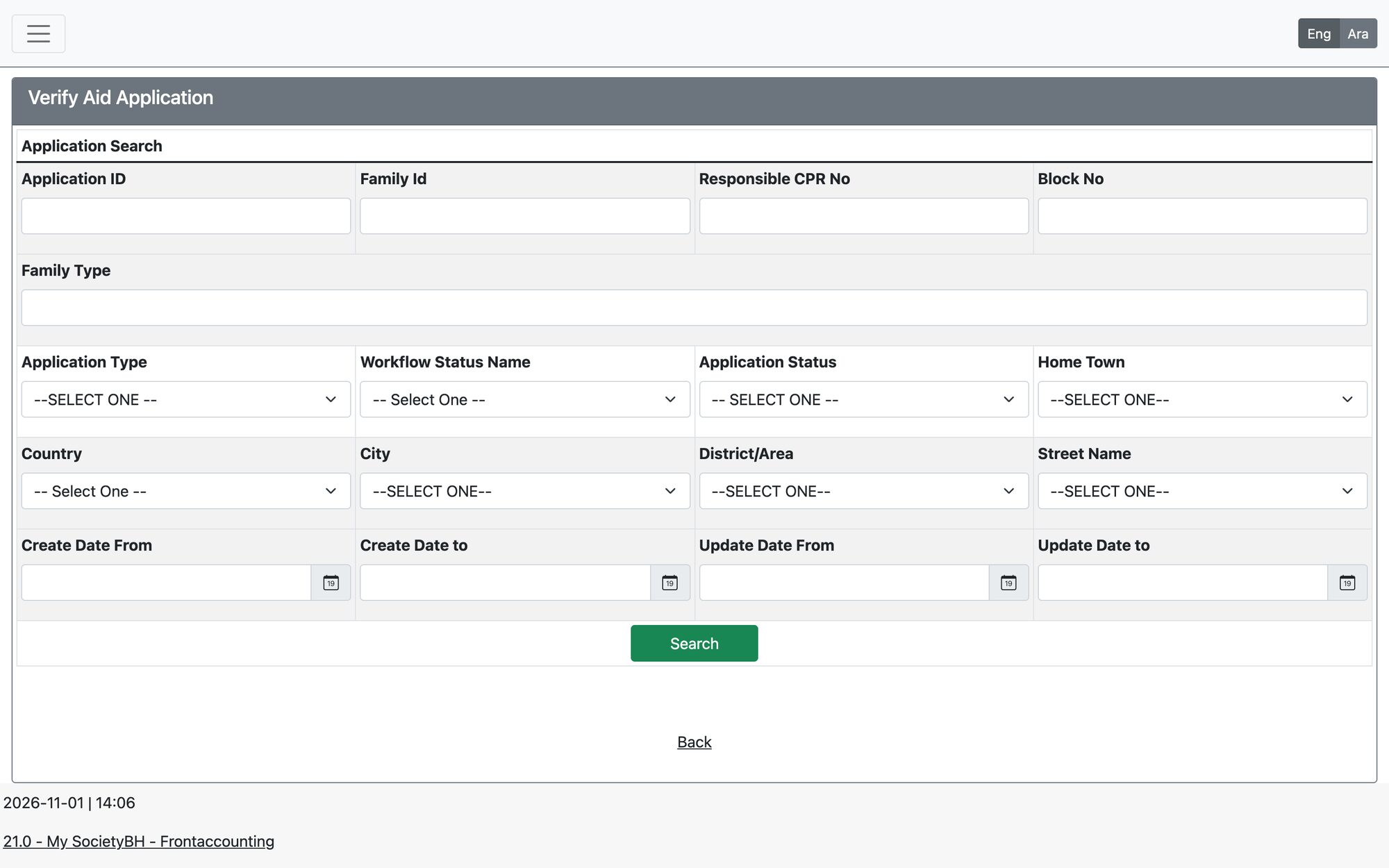
Find applications
Search by application ID, family ID, CPR, application type, status, workflow step, dates or block/area. Results show the aid amount, total paid and duration, and can be exported to Excel or PDF.
Make a decision
- Open the application. The header shows the application ID, type, responsible name and duration.
- Review the family file, documents and history tabs.
- Choose the Verifier Decision, write the Verifier Note and, where allowed, the amount.
- Save. The application moves to the next step set for that decision.
Amount limits
- The amount cannot exceed the form’s maximum aid amount.
- It also cannot exceed the maximum allowed for your role at this workflow step.
- Whether you can set the amount depends on the form’s payment frequency (once, monthly or budget).
Application statuses: Active, In-Progress and Not Active.
Updated: