Online Services: what the public sees
The link page, the disabled message and how people unsubscribe from or resubscribe to your messages.
The online services are public pages hosted under the society’s own address (in the OnlineServices folder). They need no login. What the public can do depends on what you switch on in Common Settings (see “Common Settings for online services”).
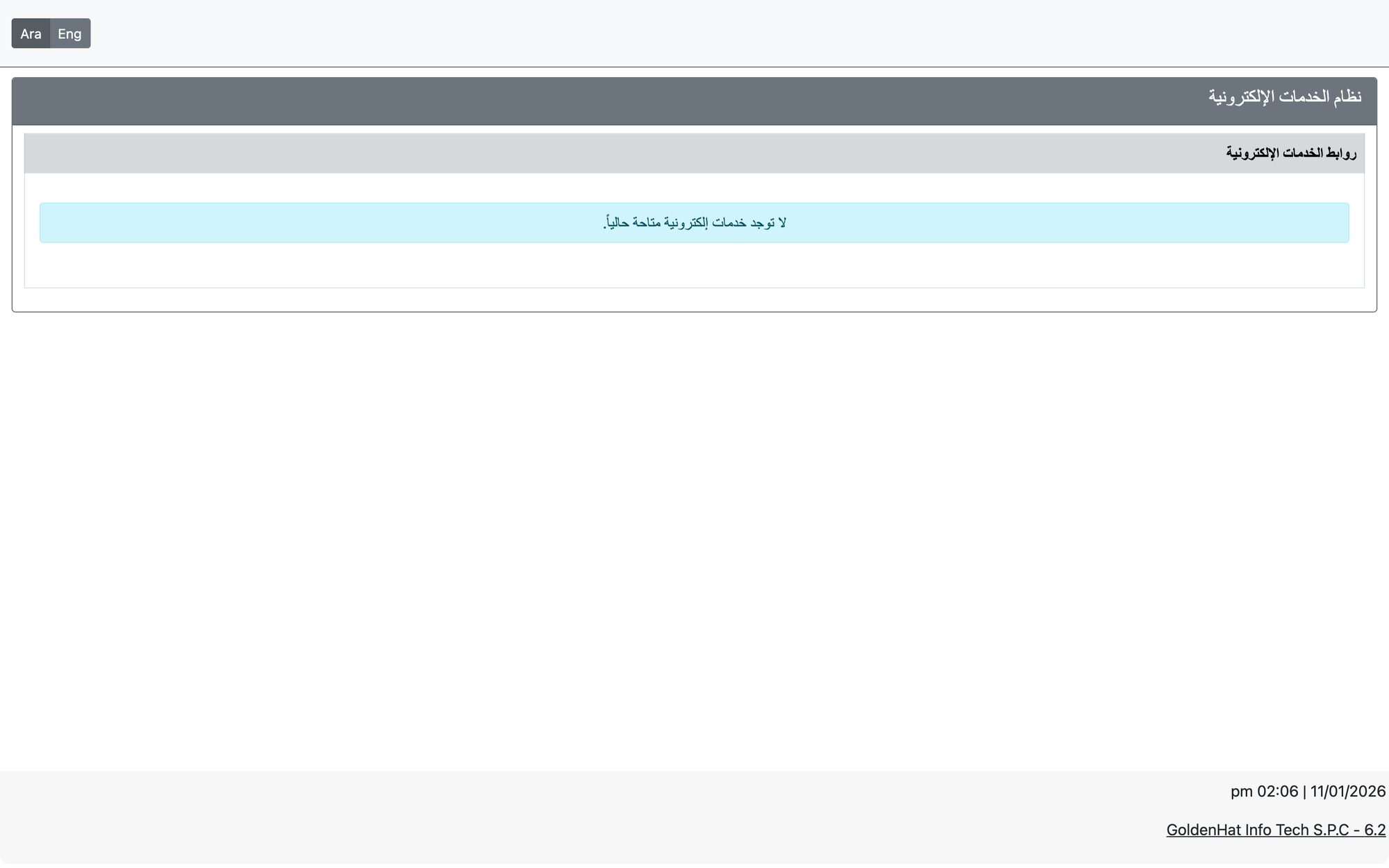
The link page
The page titled Online Services Links is a simple list of big buttons you can share as one address (for example in your social media profile). Each button opens one service. You decide the buttons, their titles and their order in URL Link Tree Settings. The available link types are: Apply social aid, Apply education aid, Apply new membership, Pay membership fees, Pay Zakat, Pay Kafara, Donations page, and External Link.
When the system is switched off
If online services are disabled, every public page shows only: “The System is currently disabled, please come again later”. Nothing can be submitted or paid. Likewise, online membership applications show “Submit Membership is disabled currently!” when that service is off.
Unsubscribe and resubscribe
Messages sent by the society include an unsubscribe link. People can leave and rejoin your message lists themselves:
- Unsubscribe — the person opens the link, confirms (Yes, Unsubscribe Me) or enters their mobile number to receive a verification code (OTP) and presses Verify & Unsubscribe.
- Resubscribe to Updates — by mobile number with a verification code, or by email: a resubscription link, valid for one hour, is sent to the address.
- People who unsubscribed are left out automatically from WhatsApp campaigns.
Public pages work only with a valid link or entry details; invalid or expired links show a clear message.
Updated: