Company, user accounts and access setup
Set the society’s details, create users, and control what each role can open and decide.
These screens are under Setup → Company Setup. Only users whose role includes them can open them.
Company Setup
Open Setup → Company Setup → Company Setup. Enter the society’s name (as it should appear on reports), official number, address, phone, fax and email, the home currency, the current fiscal year, and the login timeout. You can upload the company logo and set the receipt and coupon logos and layout. Press Update to save.
User Accounts Setup
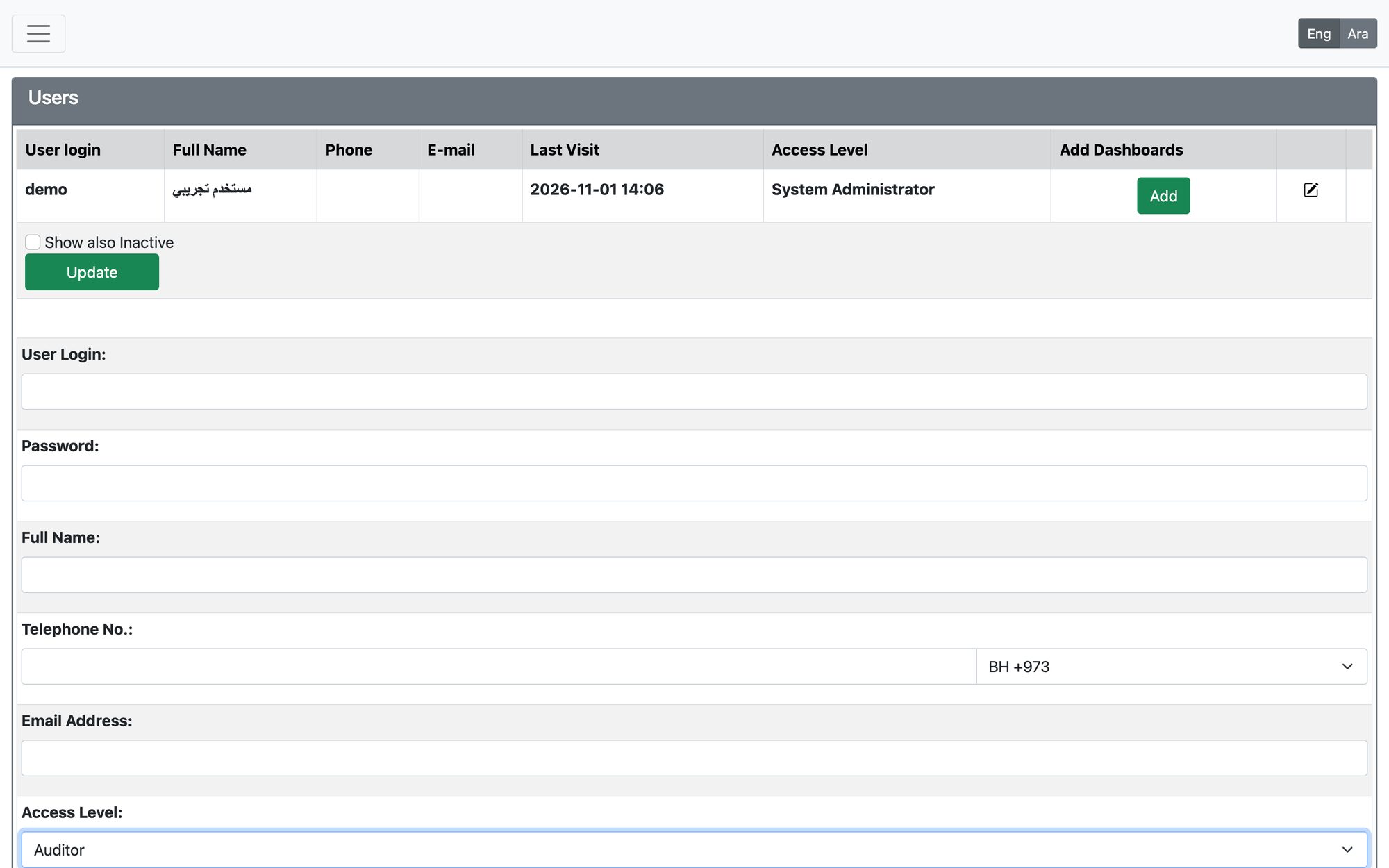
Open Setup → Company Setup → User Accounts Setup.
- Enter the User Login (at least 4 characters), Full Name, Password (at least 4 characters and not containing the login), phone and email.
- Choose the Access Level — the role that decides what the user can do — and the language and printing profile.
- Press Add. To change a user later press Edit; enter a new password only if you want to change it.
- A user who already has entries in the system cannot be deleted; deactivate the account instead.
- Add Dashboards gives the selected user the dashboard widgets.
Access Setup (roles and permissions)
Open Setup → Company Setup → Access Setup. A role is a named set of permissions.
- Select an existing role, or press Insert New Role / Clone This Role to start from a copy.
- Write the role name and description, then tick the sections and screens the role may use (On/off set of features) and press Save Role.
- A role that is assigned to users cannot be deleted; make it inactive instead.
Roles and workflow decisions
In the Workflow module each decision of an application workflow has Roles: only users holding one of those roles can take that decision, and every decision must have at least one role. Changing who holds a role, or the roles on a decision, immediately changes who can act on applications.
Give a user only the role they need. Menu items and buttons the role does not include are hidden or refused.
Updated: