Online applications and payments
How families, members and donors apply and pay online, and where the submissions land.
These are the public services, each reachable from the link page.
| Service | How it works |
|---|---|
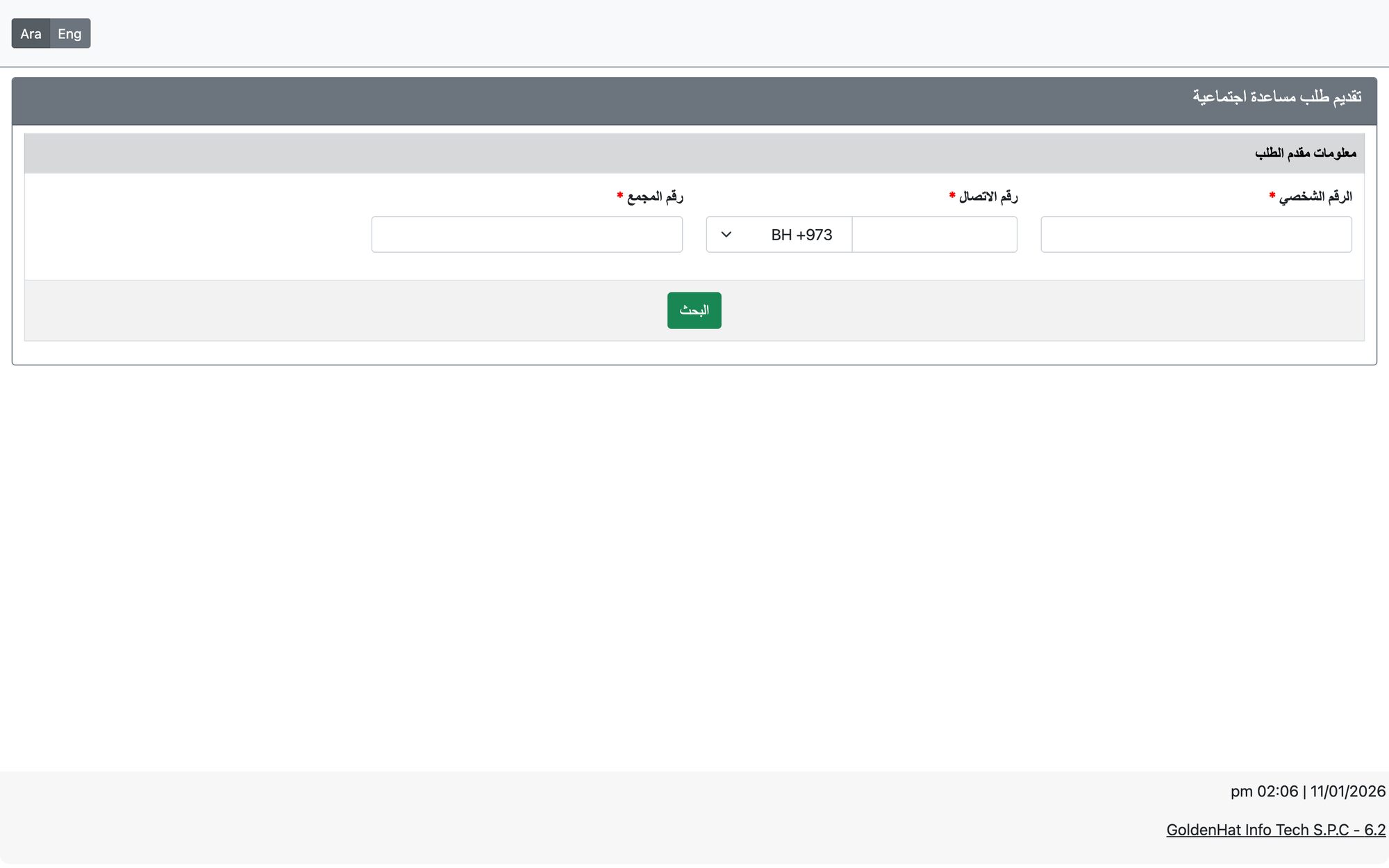
| Social aid application | The family identifies itself with the head’s CPR, contact number and block number, then chooses the application type. Only families registered with the society (and whose family type is allowed) can submit, unless you allow non-registered families in the settings; if the block is outside your area of work the application is blocked when that check is on. The family completes the allowed data, attaches documents, adds notes and presses Finish & Save. |
| Education aid application | Same identification as social aid, plus the student: if the student is not registered before, a new student is added. The student’s previous applications are shown. |
| Membership application | The applicant fills the membership form (only the membership types enabled for online appear), uploads the photo and required documents, writes the notes and submits. |
| Membership fees payment | The member searches with CPR and mobile number, sees the due registration and annual fees (and tax if enabled), selects what to pay and pays through a gateway. Fees must be paid in sequence, and advance payments only after all due fees are paid. |
| Donation / fast donation | The donor enters the amount (or picks a default amount), name, mobile and email, and pays. Fast donation uses the donation type you set as default. |
| Zakat | The payer chooses the zakat type and the number of persons, enters the per-person amount and the details required (such as the marja’ / faqeeh), accepts the terms and pays. |
| Kafarat | The payer chooses the kafara type and the number of days; the total is the daily amount multiplied by the days. Name and mobile are required. |
Payment gateways
Online payments go through the card and debit gateways your society has enabled — CrediMax, Benefit and BenefitPay. The page shows the total including the gateway’s bank fees where those fees are configured in Bank Fees Configuration.
Where the submissions land
- Online aid applications and membership applications enter the same workflow as staff-entered ones and appear in the same staff screens for review, for example Verify Membership Application for memberships and the Social Research / Education application screens for aid.
- Successful online payments are recorded in the system under the matching donation, membership, zakat or kafarat type, and bank fees are calculated from the Bank Fees Configuration.
A family can be prevented from submitting online with the “Can Submit Online Applications” choice in its family file (shown when online aid submission is enabled).
Updated: