Membership fees payment
Collect registration, annual and monthly membership fees, including advance payments.
Open Membership & General Assembly → MemberShips → Membership Fees Payment to collect the registration and membership fees of a member who has an active application with unpaid invoices.
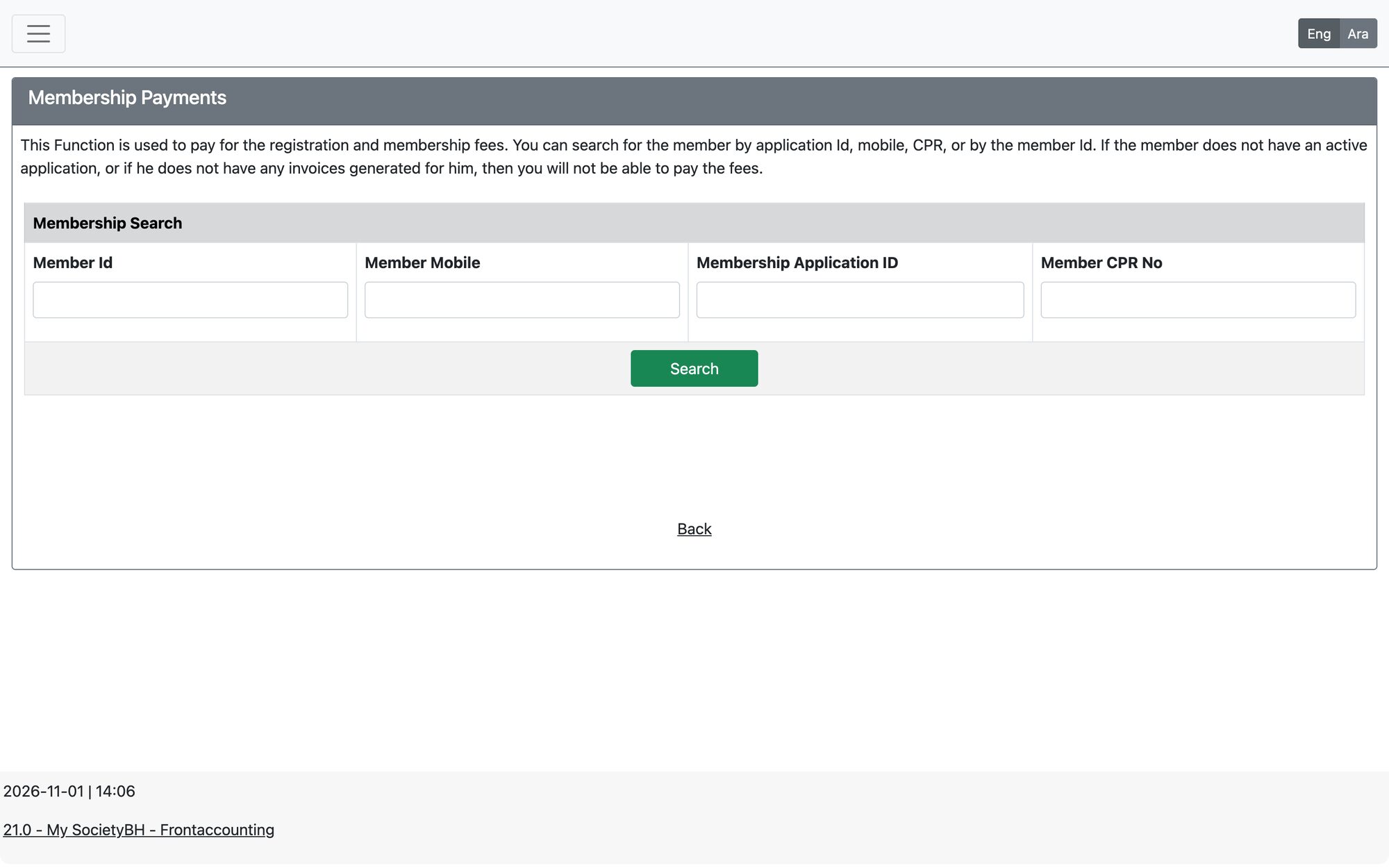
Steps
- Search for the member by Member Id, Member Mobile, Membership Application ID or Member CPR No and press Search.
- Check the member summary, then tick the years (or months) you are collecting. Use Select All to pay everything due.
- Choose the transaction date, Payment Method and bank account (and the cheque number for cheques), add a memo if needed.
- To pay ahead, add the next years or months under Advanced Payments.
- Press Membership fees Payment. The system posts the payment and offers the receipt voucher and the GL postings.
How fees are calculated
- Each membership type has a registration fee and an annual fee (with tax if enabled), set in Membership Configuration.
- The annual fee differs by the registration period: January to June or July to December. The July–December fee applies when the fees are generated from month 7 onwards.
- If the society collects monthly, the monthly fee and the number of installments in the year are used instead of one annual fee.
Rules the system enforces
- The member must have an active application and invoices; otherwise the system says there are no fees to pay at the moment.
- Installments must be paid in sequence — you cannot skip a year or month.
- All outstanding fees must be paid before any advance payment is added.
- The transaction date must fall in an open fiscal year.
Use “View member Invoices and Payments” on the screen to review a member’s invoices and payment history before collecting.
Updated: