Journal entries and budget entry
Post manual journal entries and enter yearly budgets per account.
Journal Entry
Open Banking & General Ledger → Transactions → Journal Entry.
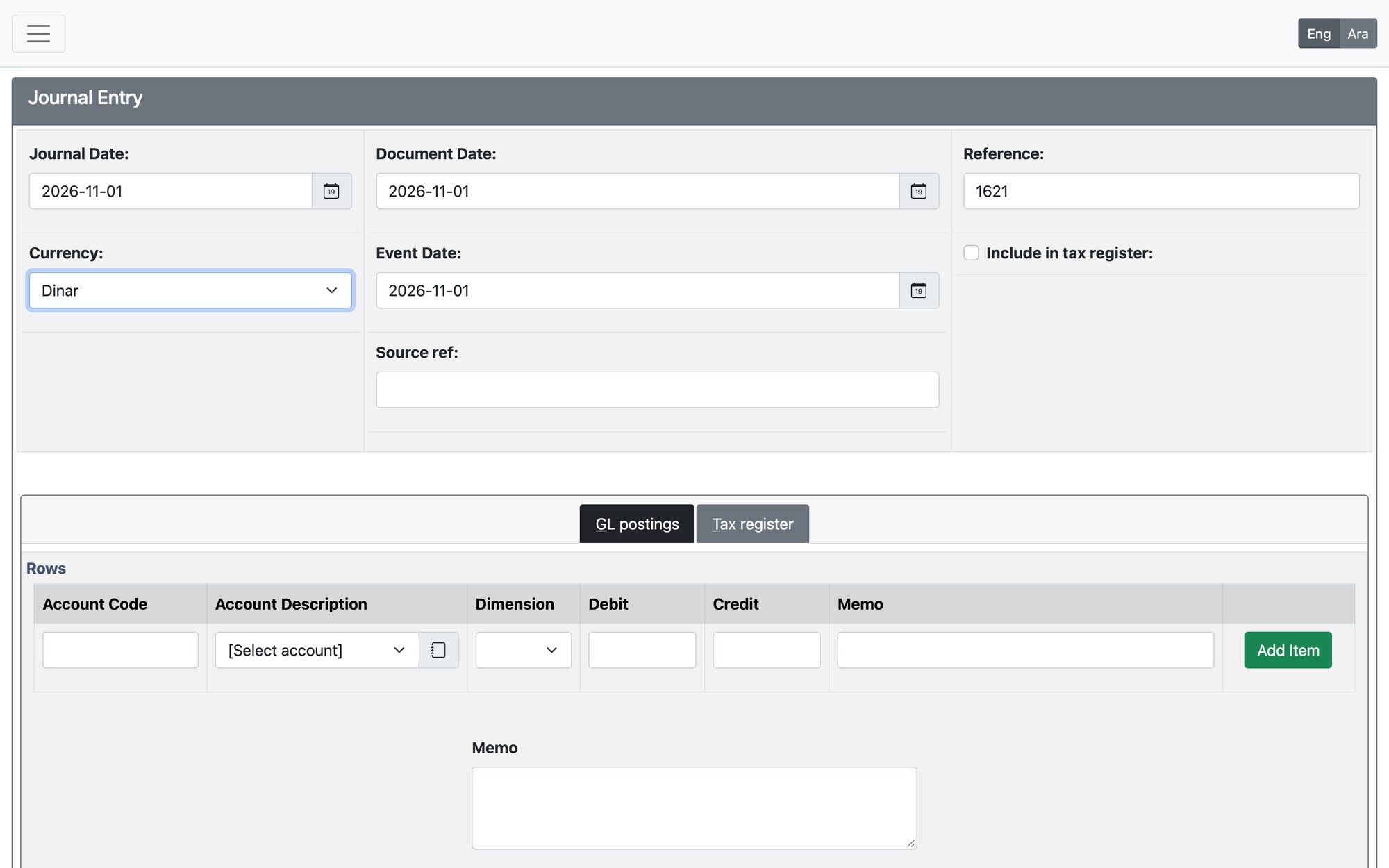
- Set the Journal Date and check the Reference. Optionally fill the Document Date, Event Date and Source ref.
- Add lines with Add Item: choose the account, the dimension if used, and the amount in Debit or Credit, with a memo. A Quick Entry can fill the lines for you.
- The total debit must equal the total credit.
- Press Process Journal Entry.
Budget Entry
Open Banking & General Ledger → Transactions → Budget Entry. Choose the Fiscal Year and the Account Code (and dimension if used), press Get, enter the amount for each Period (the last year’s figures are shown for comparison), and press Save. Update recalculates the total and Delete removes the budget of that account.
Updated: